
Drugs@FDA Search Simulator
How to Search Drugs@FDA
Try different search approaches to see what results you'd get. Use this simulator to learn the most effective ways to find drug information in FDA's official database.
Search Results Preview
Enter a search term and select a search type to see results.
Pro Tip: For generic drugs like Lisinopril, search by active ingredient to see all products including brand names like Prinivil and Zestril.
Want to find out when a drug was approved, what’s in it, or see the official prescribing info? The FDA’s Drugs@FDA database is the most direct source for this. No need to call, email, or file a Freedom of Information request. Just go online, type in a name, and get the full regulatory story - approval letters, labels, review documents, and more. It’s free, public, and updated every day. But if you’ve tried it before and came up empty, you’re not alone. The search isn’t always intuitive. Here’s how to actually find what you need.
What Is Drugs@FDA?
Drugs@FDA is a public database maintained by the U.S. Food and Drug Administration that contains regulatory information on nearly all human drug products approved since 1939. It includes over 20,000 approved drugs, from classic antibiotics like penicillin to new cancer therapies approved last month.
Each record pulls together everything the FDA has on file: the original application, approval letters, full prescribing information (also called the drug label), patient medication guides, and even internal review memos from FDA scientists. For drugs approved after 1998, you get the full package - everything the agency used to make its decision. For older drugs, you’ll still find core details like approval date and active ingredients.
It’s not just for doctors or pharmacists. Patients use it to check if their medication is FDA-approved. Researchers use it to track how a drug evolved over time. Lawyers and companies use it to understand patent and exclusivity timelines. It’s the official record.
How to Search by Drug Name
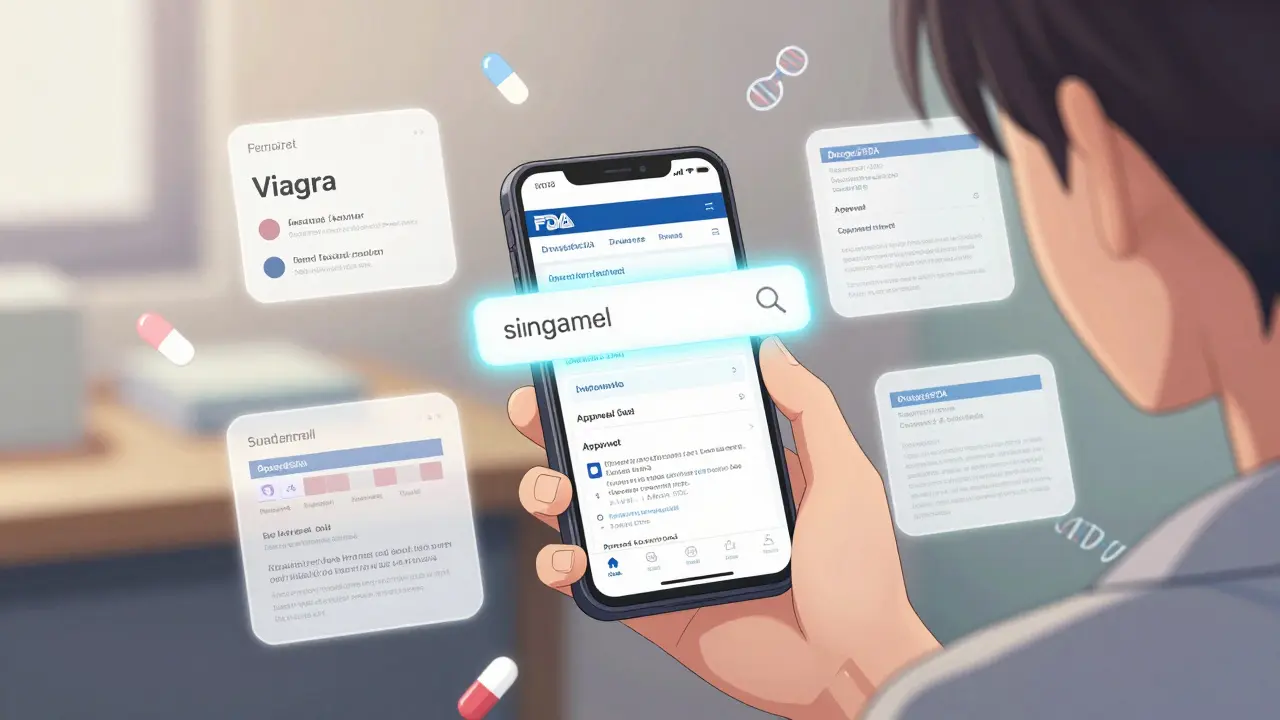
The easiest way to start is by typing the drug’s name into the search box on the homepage. You can use either the brand name (like Viagra) or the generic name (like sildenafil). The system will return matching results instantly.
But here’s the catch: if you search for lisinopril, you won’t see Prinivil, Zestril, or Qbrelis - those are brand names for the same active ingredient. You also won’t see combination drugs like Zestoretic (which contains lisinopril and hydrochlorothiazide). The search box looks for exact matches to the drug product name, not the ingredient.
So if you’re looking for all versions of a drug, search for the brand name first. Then check the results for the active ingredient listed. That will lead you to other products with the same ingredient.
Search by Active Ingredient
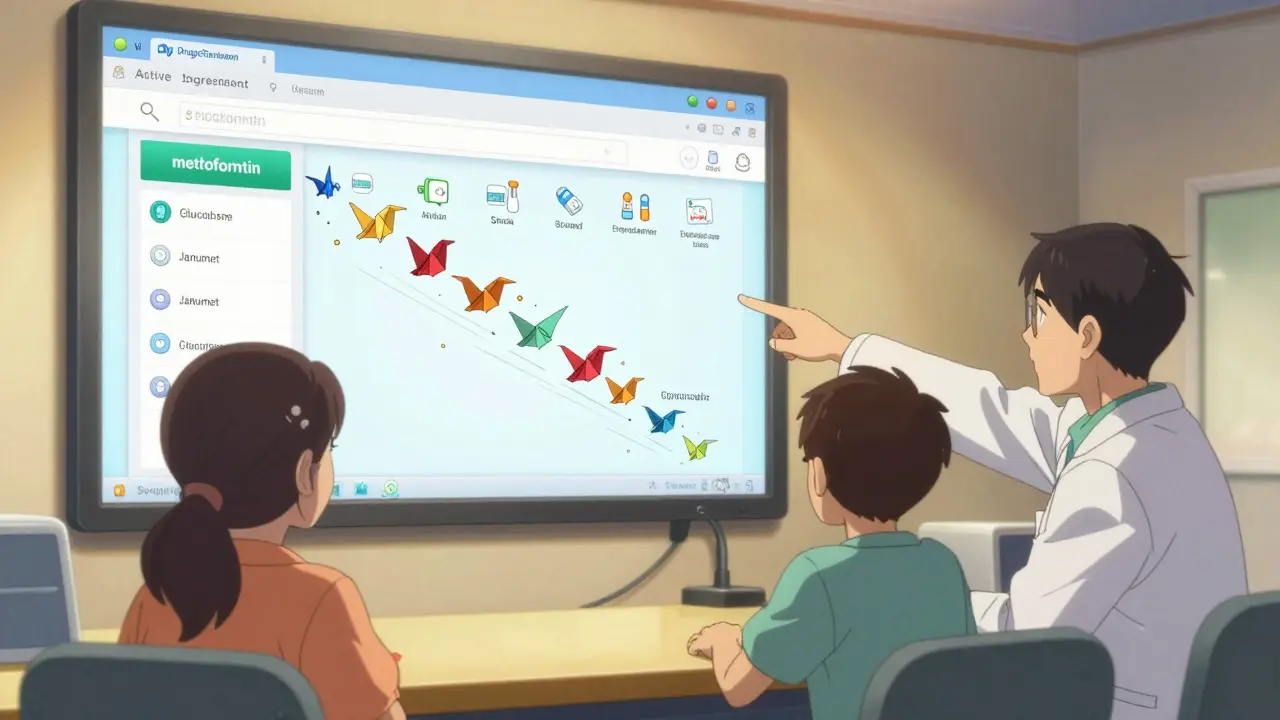
If you know the generic name - the actual chemical compound - you can find every drug that contains it. Click on the Advanced Search link under the main search box. Then select Active Ingredient from the dropdown menu.
For example, typing metformin here will pull up every metformin product: generic versions, brand names like Glucophage, combination pills like Janumet (metformin + sitagliptin), and extended-release forms. This is the best way to see all options for a given drug class.
Pro tip: Spell the ingredient exactly as it appears in FDA records. Use lowercase. Avoid plurals. Search for ibuprofen, not ibuprofens.
Use Application Numbers for Precision
Every approved drug has a unique application number assigned by the FDA: NDA (New Drug Application), ANDA (Abbreviated New Drug Application for generics), or BLA (Biologics License Application).
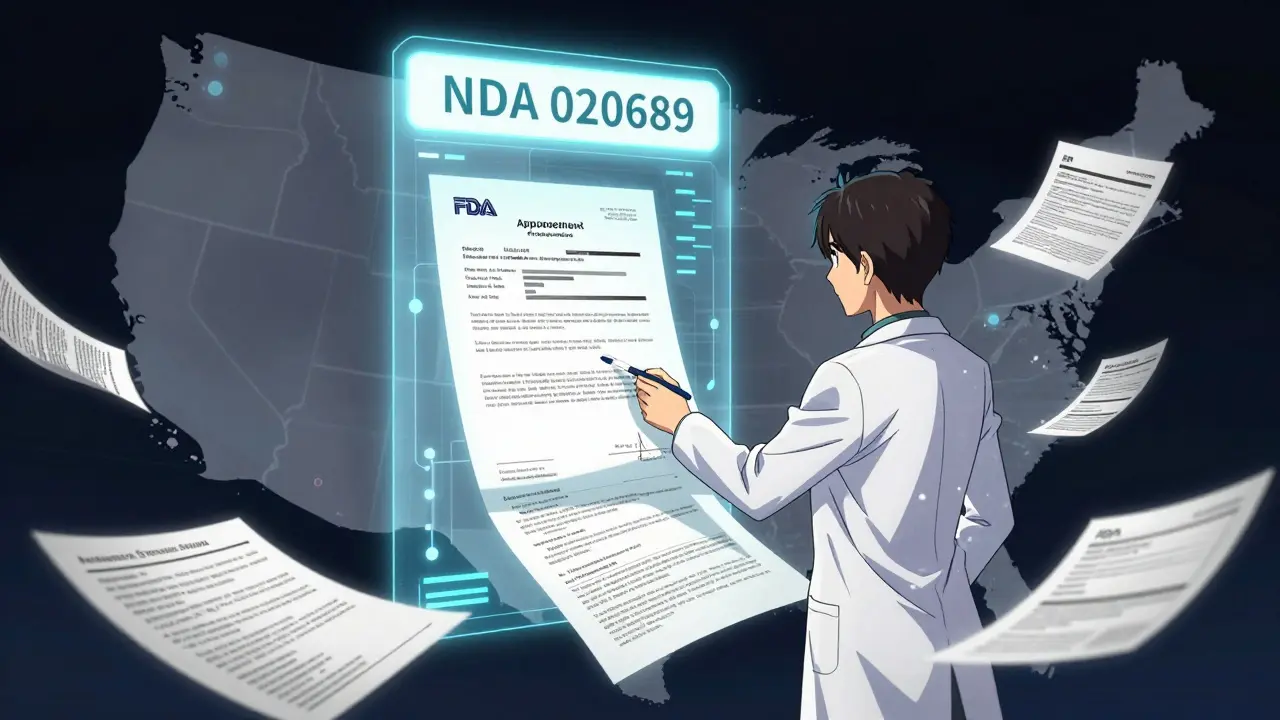
If you’re a pharmacist, researcher, or industry professional, this is the most reliable way to pull up a specific product. You’ll find these numbers on the drug label, in FDA press releases, or in regulatory filings. For example, NDA 020689 is for Prozac.
Enter the number exactly as it appears - no hyphens or spaces - into the search box. It will take you directly to that drug’s full dossier. This is especially useful when brand names change or when multiple products have similar names.
Why the A-Z Index Fails
Many people try the A-Z index under the Drug Name tab. It seems logical - alphabetize all the drugs and scroll. But the FDA warns this method has serious limitations.
The A-Z index only shows products that match the exact name you type. If you search for lisinopril, it won’t show Prinivil. It won’t show Zestoretic. It won’t even show Prinivil 10 mg if you typed just Prinivil without the dosage.
It’s designed for browsing, not searching. If you’re trying to find all products with a specific ingredient, skip the A-Z index entirely. Use the Active Ingredient search instead.
What You’ll See in the Results
Once you find a drug, the results page breaks down into clear sections:
- Product Information: Brand name, generic name, dosage form, strength, manufacturer, and approval date.
- Therapeutic Equivalence: For generics, it tells you if the FDA considers them interchangeable with the brand.
- Application Number: The NDA, ANDA, or BLA number - use this for future searches.
- Approval Letters: Official letters from the FDA granting approval.
- Labeling: Full prescribing information (PDF), including warnings, dosing, side effects, and clinical studies.
- Review Documents: Internal FDA assessments from medical and pharmacology reviewers.
- Patient Medication Guides: Easy-to-read instructions for patients.
Click on any document link to download or view it. All are official FDA documents - not third-party summaries.
What’s Missing? Key Limitations
Drugs@FDA is powerful, but it’s not everything.
It doesn’t include animal drugs. Those are in Animal Drugs@FDA.
It doesn’t show patent expiration dates or exclusivity periods. For that, use the Electronic Orange Book, which tracks patent and exclusivity data for generic drugs.
It doesn’t let you search inside labels for specific sections like “Boxed Warnings” or “Adverse Reactions.” For that, use FDALabel, which lets you search the full text of prescribing information.
It doesn’t cover biologics like monoclonal antibodies or vaccines. Those are in the Purple Book.
So if you need deep labeling details, patent info, or biological product data, you’ll need to cross-reference with other FDA tools. But for approval history, labeling, and regulatory documents - Drugs@FDA is your first and best stop.
Who Uses It and Why
Healthcare providers use it daily. Pharmacists check it when a patient asks, “Is this the same as the one I used last year?” Nurses use it to confirm dosing guidelines. Researchers use it to verify drug history for clinical reviews. Patients use it to understand what’s in their pills.
According to FDA data, over 500,000 people use Drugs@FDA every month. It’s one of the most visited FDA resources because it cuts through the noise. No paywalls. No registration. No jargon-heavy reports. Just the facts, straight from the regulator.
Pro Tips for Better Searches
- If you’re unsure of the spelling, try searching with partial names - metf or lisin - and see what comes up.
- Always check the active ingredient in the results. That’s the key to finding similar products.
- Bookmark the application number. It’s your fastest path back to that drug later.
- Use the “View All” link under each section to see every version of a product, not just the first few.
- If you’re looking for a drug approved before 1998, expect less detail. The FDA didn’t digitize everything from that era.
Next Steps
Start with Drugs@FDA when you need to confirm approval status, find a label, or trace a drug’s history. If you need more - like patent dates or detailed labeling searches - then move to the Orange Book or FDALabel. They’re all free. They’re all official. And together, they give you the full picture.
Don’t guess. Don’t call. Don’t wait. Go to www.fda.gov/drugsatfda and search.
Can I search Drugs@FDA by manufacturer?
Yes, but not directly. After you search by drug name or ingredient, click on a product to open its full record. Under "Product Information," you’ll see the manufacturer’s name. You can’t search the database by company name alone - you need to know the drug first.
Is Drugs@FDA only for U.S. drugs?
Yes. Drugs@FDA only includes drugs approved for use in the United States. It does not include drugs approved in other countries, even if they’re sold in the U.S. For international drugs, you’ll need to check the regulatory authority in that country.
Do I need to create an account to use Drugs@FDA?
No. Drugs@FDA is completely free and open to the public. You don’t need to register, log in, or provide any personal information. All documents are downloadable without restrictions.
Why can’t I find my drug in Drugs@FDA?
Your drug may not be FDA-approved. Some products sold in the U.S. - like dietary supplements, homeopathic remedies, or compounded drugs - are not regulated the same way as prescription or OTC drugs and won’t appear here. Also, very new drugs may take weeks to appear after approval. Check the approval date in the results - if it’s recent, try again in a month.
Can I use Drugs@FDA to check if a generic is safe?
Yes. The database shows whether the FDA has rated a generic as therapeutically equivalent to the brand-name drug. Look for the "Therapeutic Equivalence" section. If it says "A" (or "AB"), the generic is considered interchangeable. If it says "B," it’s not considered equivalent. This is the official FDA stance on generic safety and effectiveness.
12 Responses
I've been using this database for years and I still don't trust it. Who really knows what's in those review memos? They edit everything. I saw a drug get approved with a typo in the active ingredient and no one caught it. The system is rigged. Don't believe the surface info.
Look, the Drugs@FDA database is technically sound but it's a glorified metadata repository. You're not getting the real story - the clinical trial data is redacted, the adverse event logs are aggregated, and the review memos are sanitized to the point of uselessness. If you want actual transparency, you need to cross-reference with the EMA's EudraVigilance or the FDA's FAERS. Otherwise, you're just reading press releases with PDF headers.
Thank you for this comprehensive guide. I've worked in pharmacy for over 15 years and this is the clearest breakdown I've seen. Many professionals overlook the active ingredient search, and the application number tip is gold. I always bookmark the NDA/ANDA numbers for my students - it saves so much time when verifying generic equivalency.
I searched for 'Zoloft' and got 17 results. Then I tried 'sertraline' and got 42. That's wild. I thought I was taking one thing but apparently my insurance switched me through 5 different generics over 3 years. I'm gonna call my doctor. This is terrifying. I need to know what's in my body. This isn't just info - it's personal.
I just want to say: thank you. Seriously. I’ve been trying to find the exact approval date for my son’s ADHD medication for months. I called three pharmacies, emailed two clinics, and even filed a FOIA request. Then I found this. The ‘Therapeutic Equivalence’ section saved us - we switched to an ‘AB’ rated generic and saved $200/month. This is life-changing information.
Okay so I just spent 3 hours on this thing and I’m emotionally drained. I looked up my antidepressant - the one I’ve been on for 8 years - and I found out the manufacturer changed the inactive ingredients in 2021. I didn’t know. I didn’t even know they COULD change that. Now I’m having panic attacks because my anxiety is acting up again. Was it the pill? Was it the change? Was it me? I feel so violated. I trusted this system. And now I don’t know what to believe. I need a hug.
I’ve been using this for research on opioid prescribing trends. The review documents are a goldmine - you can see exactly when the FDA flagged dose limits or when they rejected a reformulation. It’s dry, but it’s real. No fluff. No spin. Just the raw regulatory logic. If you’re doing any kind of public health analysis, this is your foundation.
USA ONLY. That’s it. No other country can match this level of transparency. If you’re not using this, you’re not serious about your health. Period. 🇺🇸💊
This is actually really helpful. I used to think it was just a government website that looked like it was built in 1999. Turns out it’s just… well, functional. No bells. No whistles. Just facts. I like that. Sometimes that’s all you need.
The A-Z index is a trap. The active ingredient search is the only way. That’s it.
They let Big Pharma hide behind ANDAs. That’s what this really is. Generic manufacturers get away with cutting corners and the FDA just rubber-stamps it. You think you’re getting the same drug? You’re not. You’re getting what they can afford to make. And you’re paying for it. Wake up.
OMG I just found out my blood pressure med was approved in 1987 and they never updated the label?? I’ve been taking it for 5 years and the side effects section says ‘rare’ but like 3 people in my group chat had kidney issues?? I’m so mad. This is wild. 😭